Calendar & booking
Schedule an individual session or group class
Create an occurrence with an instructor, time and the correct client credit source.
For owners1 min read
Start in Calendar
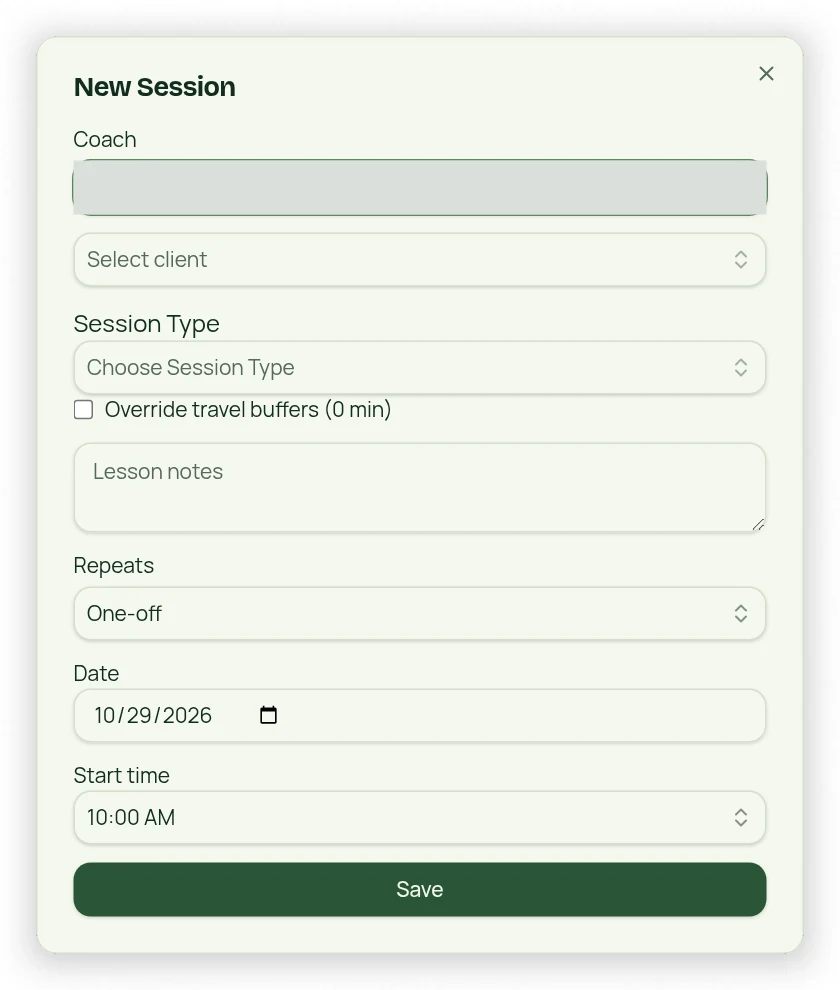
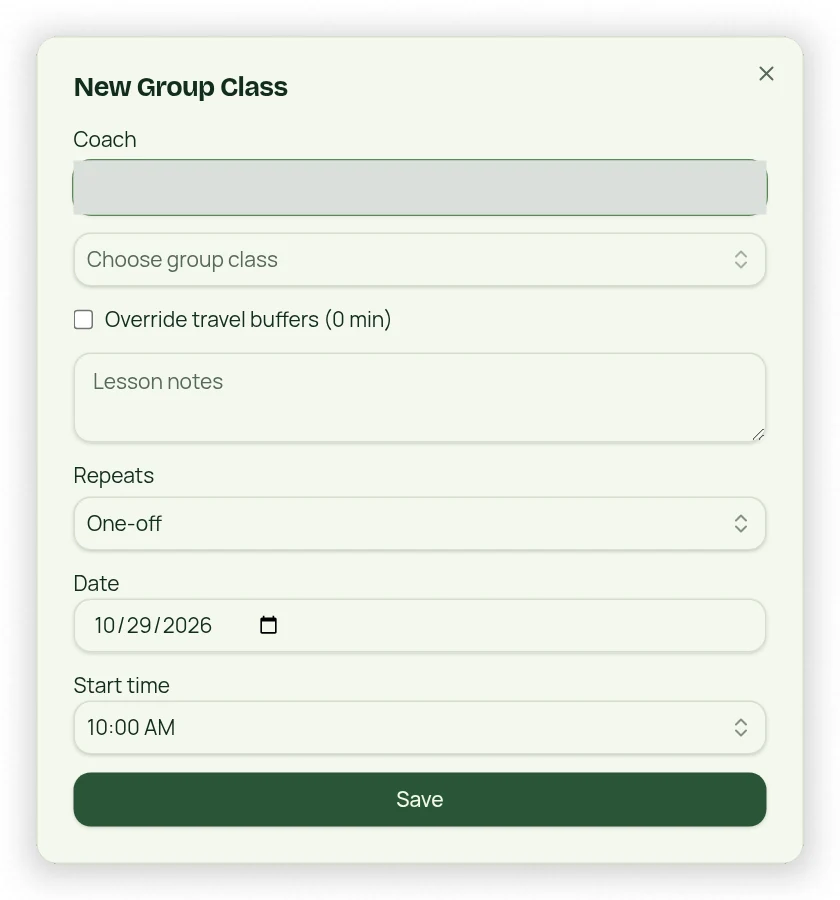
Choose New Session or New Group Class, or select an empty time slot to prefill the date and time. A Session Type supplies individual appointment minutes; a Class Type supplies the group template. Choose the actual instructor name rather than a generic role label.
Review before saving
- Choose the appointment type and instructor.
- For an individual appointment, choose the client and an available Session Type. A single eligible package is selected automatically; multiple packages show Choose Package to Deduct Session From.
- Set the date and time using 15-minute start increments.
- Choose one-time or recurring scheduling and the relevant recurrence details.
- Review availability, conflicts, buffers, time off and funding before confirming.
Funding and conflicts
If no eligible credits remain, the owner workflow warns about a drop-in and requires explicit approval before charging. Do not expect both a credit debit and a drop-in for the same booking. Owner conflict overrides require review and acceptance; client bookings cannot bypass booking protections.