Attendance & check-in
Share a registration link for one group occurrence
Invite people to a specific date, not every class of the same type.
For owners1 min read
Links belong to occurrences
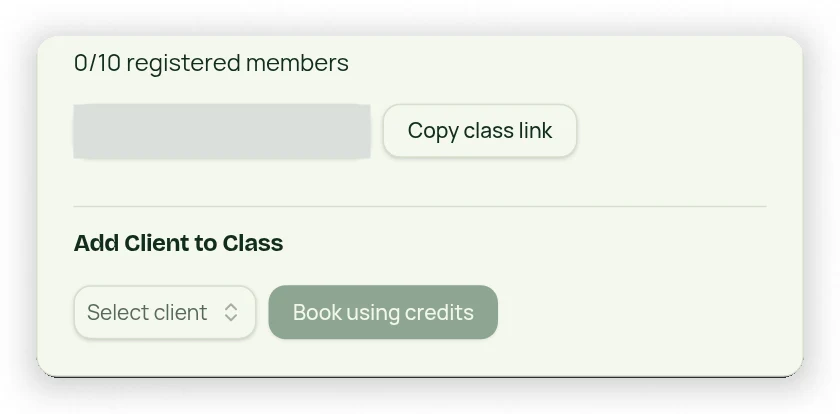
Open the actual group class on Calendar to find its registered members and invite controls. Each occurrence has its own link. Sharing that link books or requests access to that named class only, not all occurrences using its Class Type.
Share and verify
- Open the correct date and time in Calendar.
- Copy that occurrence’s registration link.
- Send it to the intended client and explain which date they are joining.
- After registration/approval, reopen the same occurrence and check its attendee list.
- Use Add Client to Class when adding someone directly as the owner.
Account and funding requirements
Public registration may require the customer to create or sign in to an account and complete the relevant payment or credit flow. A link does not bypass capacity, paid entitlement or approval rules. Do not store members on a Class Type or reuse one occurrence’s link for a different date.