Calendar & booking
Create Session Types and Class Types
Set duration, credit cost and drop-in rules in separate appointment catalogs.
For owners1 min read
Choose the correct type
Session Types define individual appointments. Class Types define group templates. Settings keeps the two in separate sections, with Session Types above Class Types. Neither is a permanent list of registered clients; bookings belong to actual calendar occurrences.
Create a type
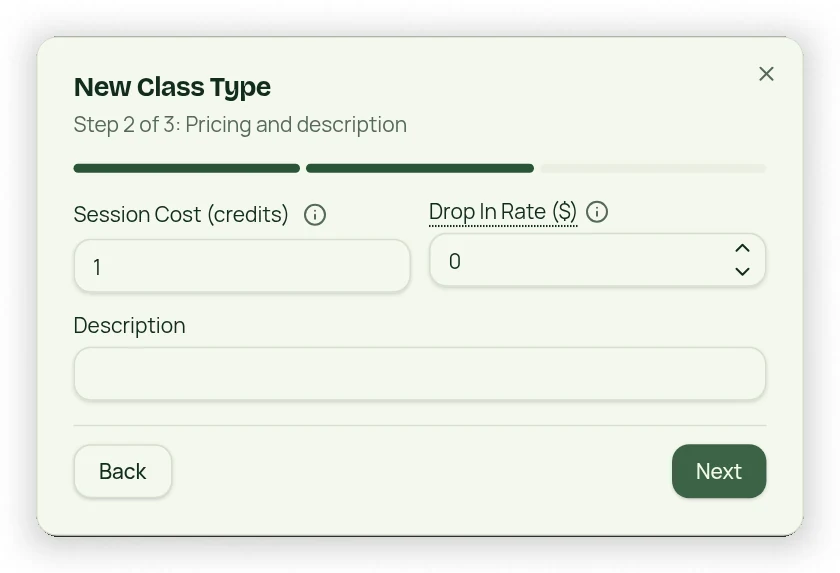
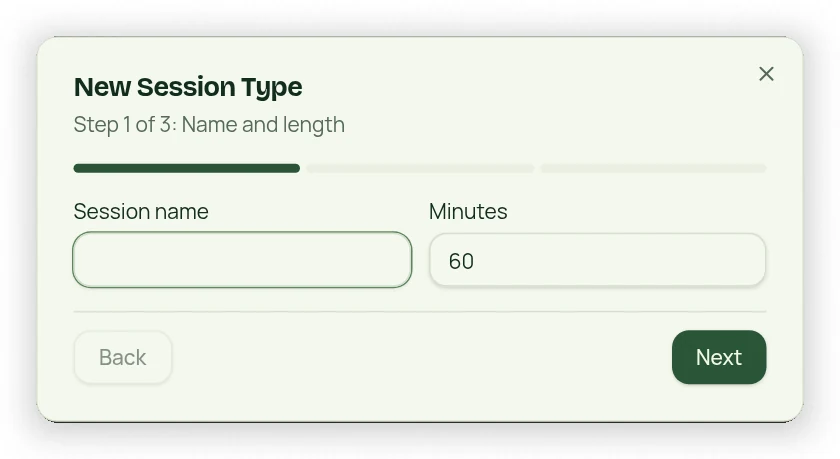
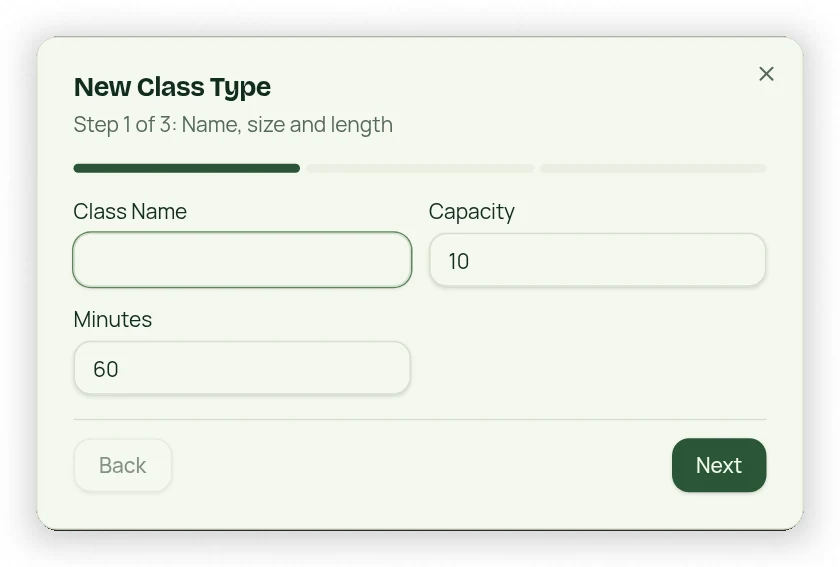
- Open Settings → Session Types or Class Types and use the creation button.
- Enter a unique name and appointment duration.
- Set the Drop In Rate. Sessions deduct one matching Session Credit; classes deduct one matching Class Credit.
- For groups, add a description. Memberships and packages specify whether they issue Session Credits or Class Credits.
- Review the three steps and save.
Do not confuse cost and price
Each booking consumes one matching credit, while Drop In Rate applies when no eligible credits remain. Appointment minutes are defined here, not on a package. A group template does not itself enroll clients or charge recurring class fees; use purchased memberships/packages or the applicable one-time drop-in.