

Leo & workflows
Understand Leo subscriptions and usage history
Separate AI action allowances from your StudioLife base plan and SMS delivery charges.
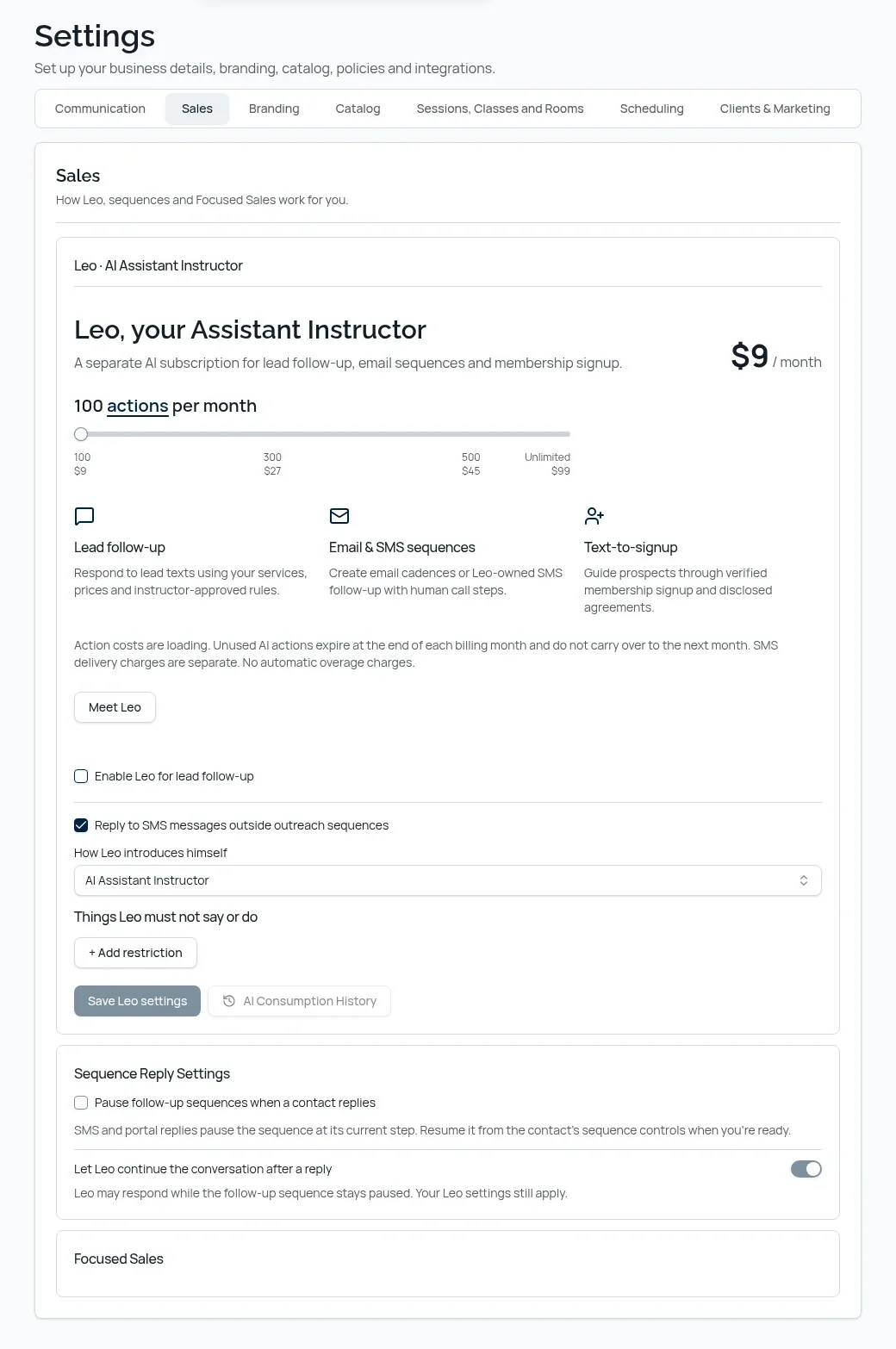
A separate AI subscription
Leo is available on every base plan with a separate subscription. Choose the allowance shown in Leo settings. Changing AI access does not replace your base StudioLife plan or unlock Studio-only Rooms, Roadmaps or lead sequences.
Review consumption
Open AI Consumption History from Leo settings and choose your date range. Each recorded operation uses the current configured action rules; a draft suggestion is not proof that a send or signup finished. Unused actions expire at the end of the billing month and do not carry over.
When usage is exhausted
Review your subscription and remaining allowance before continuing paid actions. SMS delivery charges are separate, and there are no automatic action overage charges. Cancelling the AI add-on is separate from cancelling the base plan.