

Leo & workflows
Set up Leo, your AI Assistant Instructor
Train Leo, choose reply controls and keep human review in charge.
Start with your business facts
Open Settings → Sales → Leo or the Leo setup page. Review your services, prices, hours and answers to common questions. Website scanning creates an editable draft; validate imported details before saving.
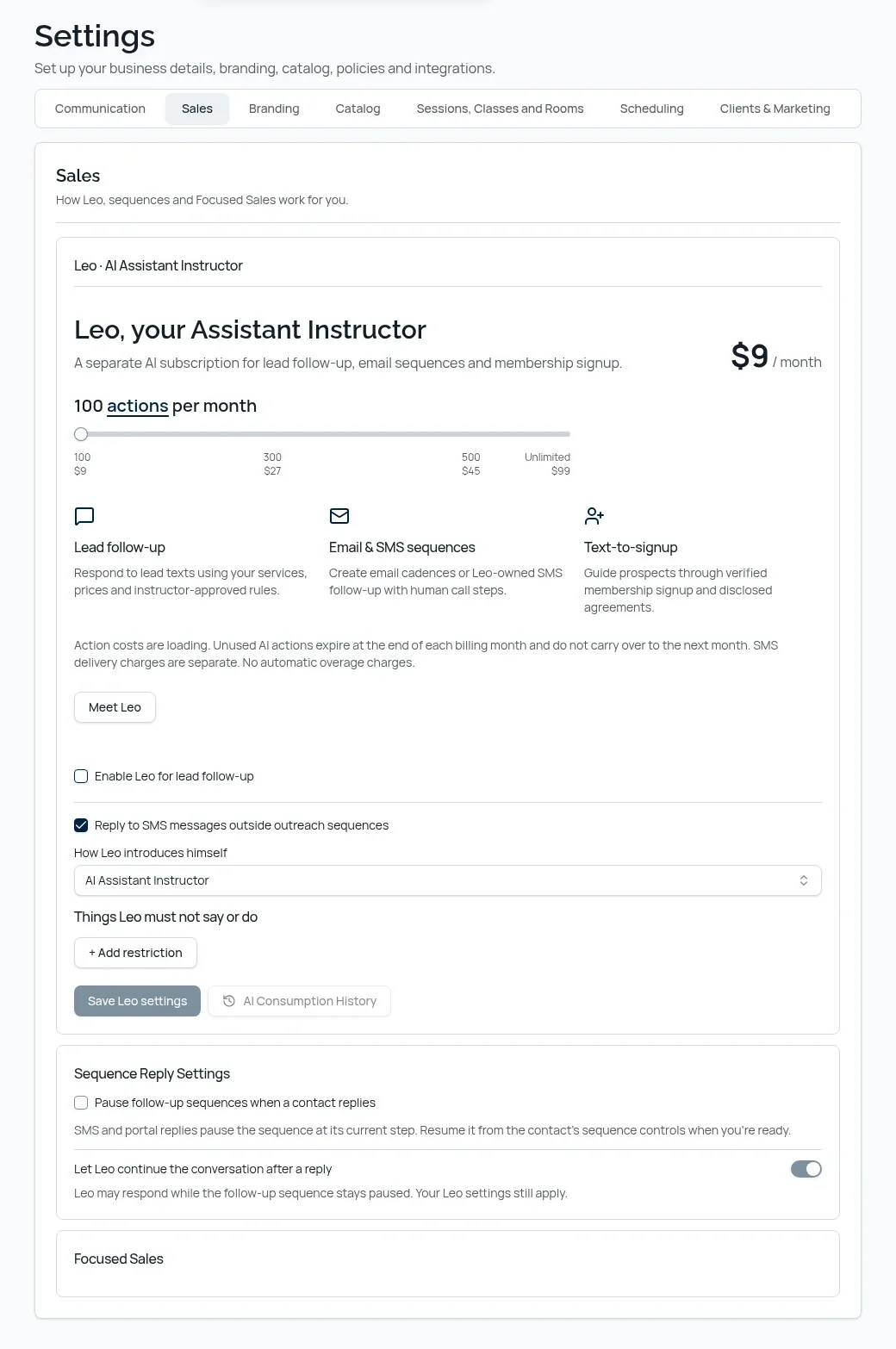
Choose the reply boundaries
Set whether routine replies send automatically or come to the instructor for approval, reply delay and off-hours behavior. Sequence reply settings separately control pauses and whether Leo continues the conversation while a sequence remains paused. Opt-outs and human takeover still stop applicable messaging.
Review work before claiming completion
Use Leo Work for advice and draft workflows. Pending AI Reviews appear in instructor notifications. Distinguish suggestions, drafts, approvals and confirmed actions: Leo cannot invent attendance, authorize unpaid credits or silently enroll a member from a suggestion.