

Leo & workflows
Build and assign lead follow-up sequences
Coordinate calls, texts, emails and delays with clear staff ownership.
Build on the canvas
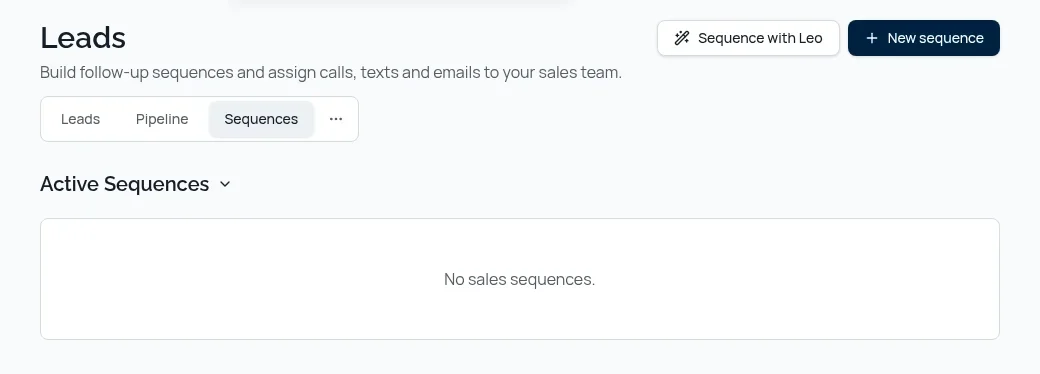
On Studio, open Leads → Sequences. Create manually or use Create a Sequence with Leo for an editable draft. Set starting and exit triggers, then add calls, manual texts, email, tasks, delays or supported Leo actions. Canvas and List views use the same saved workflow.
Choose assignment deliberately
Use Round Robin for automatic staff allocation, pooled work for eligible staff or Manually Assign for a named salesperson. Eligibility is rechecked; selecting a person does not grant access. Assign contacts through the existing assignment controls.
Pause, branch and follow through
If/Then paths and delayed triggers respond to configured conditions. Reply pauses preserve the current step; resume from the contact’s controls after human follow-up when appropriate. Review assigned work in Focused Sales and Assigned Sequences Report. A generated draft does not activate sends.