Getting started
Set up your business for the first time
An ordered checklist from business details to your first booking.
For owners1 min read
Start with the basics
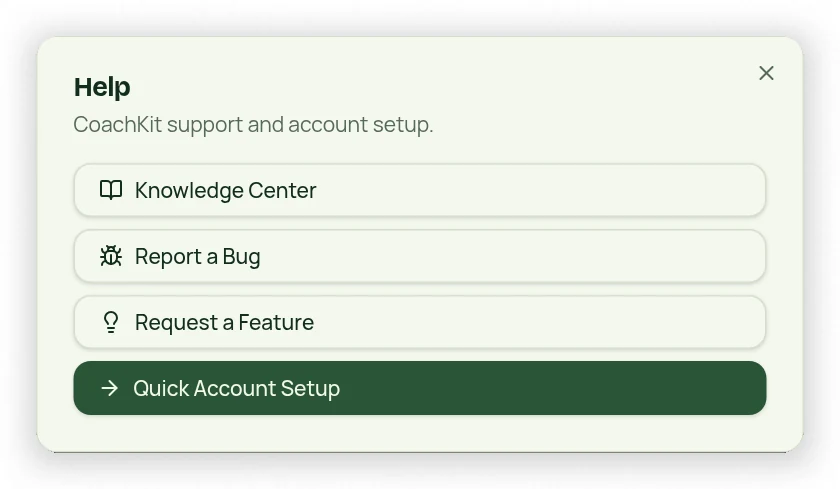
Open Profile near the bottom of the menu to enter your business and account details. Set the time zone and time display so appointment times match your business location. Help → Quick Account Setup guides you through offers, plans, appointment types, contacts and payments.
Build in this order
- Decide whether you sell memberships, packages, drop-ins, or a combination.
- In Settings, create the appropriate Membership Types and Package Types.
- Create Session Types for individual appointments and Class Types for groups.
- Set availability, travel buffers, booking rules and time off.
- Add up to five leads during setup, saving each contact before adding another. Connect payments before attempting card collection.
- Use Sign Up Member for a plan purchase, then Calendar to schedule the first session.
Before inviting clients
Review policies, membership agreement and waiver text, portal-visible plans, prices and eligible credits. Legal defaults need your review; they are not a guarantee of compliance. If payment setup is deferred, online charges remain dependent on the connected payment account being ready.