Reports & insights
Read attendance and utilization reports
Compare who attended with when your calendar is busiest.
For owners1 min read
Attendance versus scheduled time
Attendance reports use recorded attendance. A scheduled or pending appointment is not automatically an attended session. Individual group attendees have separate statuses, and No Show credit use does not mean the client attended.
Utilization by Week and Day
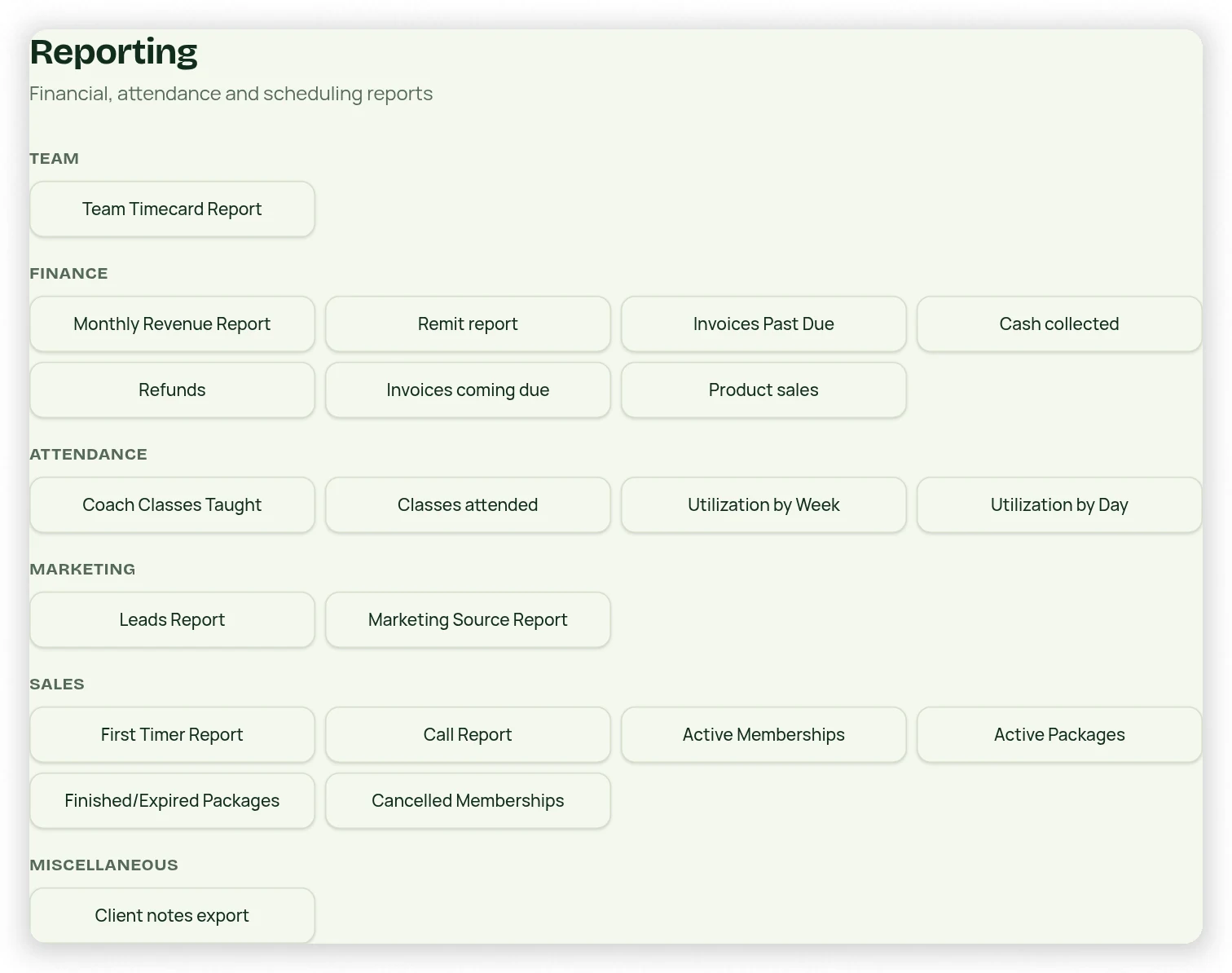
- Open the relevant utilization report from Reporting.
- Choose the date range and whether to include group classes, individual sessions, or both.
- For Utilization by Day, choose weekdays as offered.
- Review the time/day detail lines and the shaded totals at the bottom.
- Use the same filters when comparing exports or two date periods.
Read counts in context
Utilization describes the selected schedule/time data, not necessarily revenue or payroll. Instructor Classes Taught is a separate report for instructor activity. Correct missing attendance at the occurrence before relying on attendance totals; do not change a report number directly.