Reports & insights
Run instructor activity and whole-team timecard reports
Review classes taught and recorded hours over a selected date range.
For owners1 min read
Choose the right report
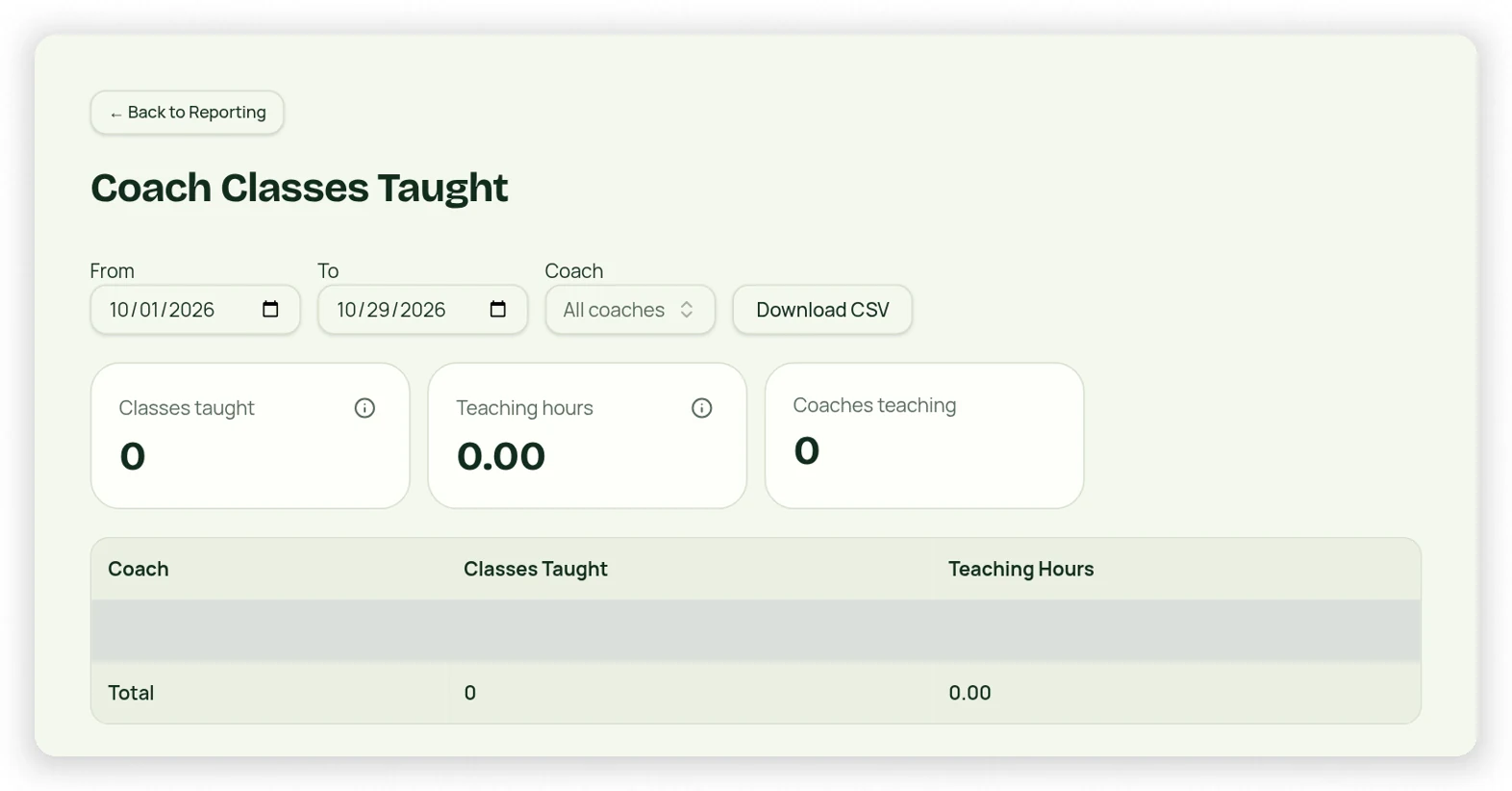
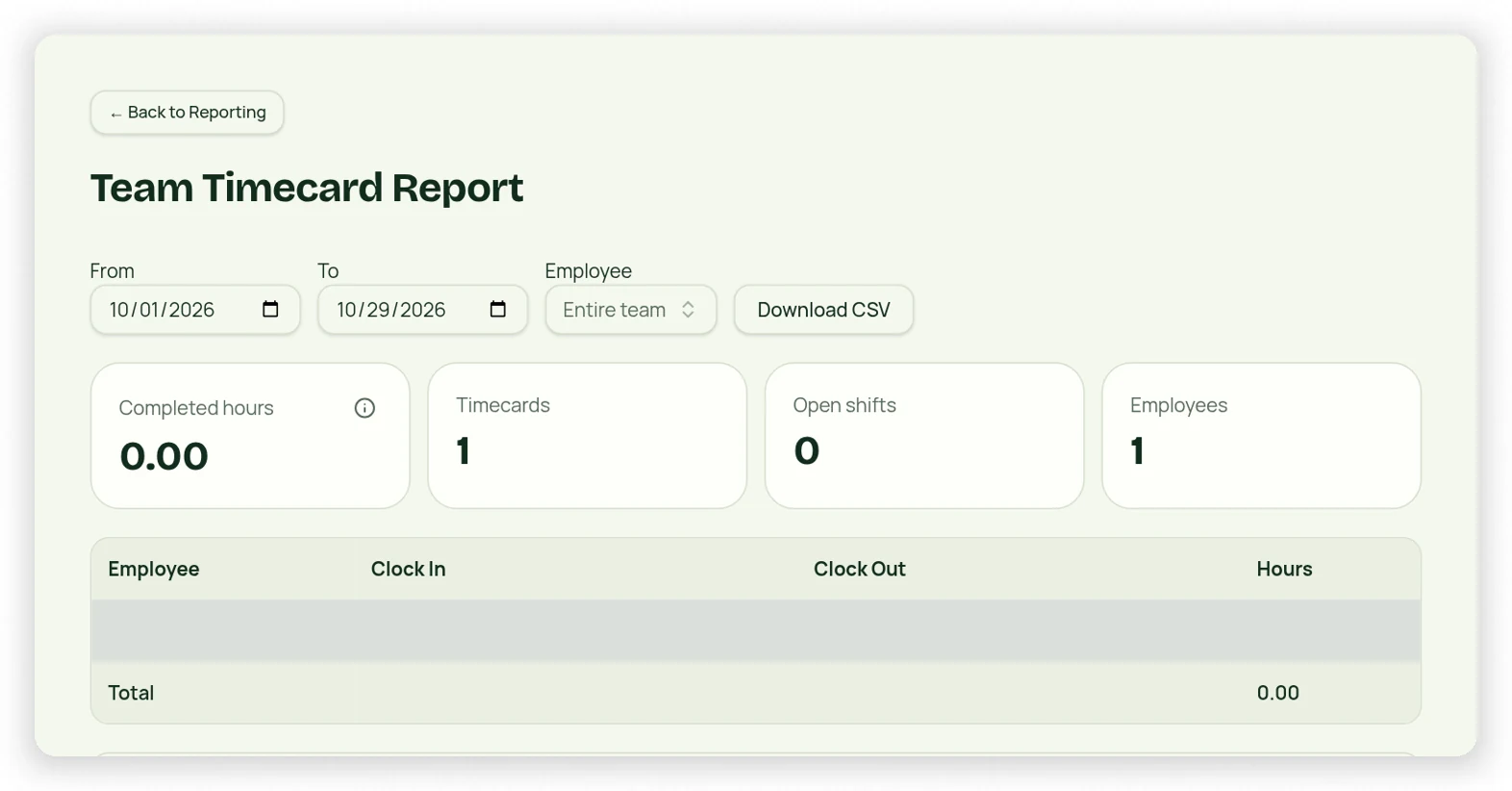
Reporting → Instructor Classes Taught summarizes instructor class/session activity for the selected dates. Team Timecard Report reviews clocked shifts across the business. These measure different things: an instructor may clock preparation time that is not a class, and a scheduled appointment is not a clock punch.
Review and export
- Open the report and set start/end dates.
- Review instructor/employee filters where offered.
- Inspect summary cards, detail lines and shaded totals.
- Check open shifts and pending correction requests before using hours for payroll.
- Use the available export controls and retain the selected date context.
Access and payroll limits
Team-wide timecard projections require authorized Owner/Co-Owner management access; reporting-only access does not automatically unlock protected employee-management data. Employees see their own timecards and request Owner-approved corrections. StudioLife’s recorded hours and rate context do not replace payroll, tax or employment-law review.