Team & timecards
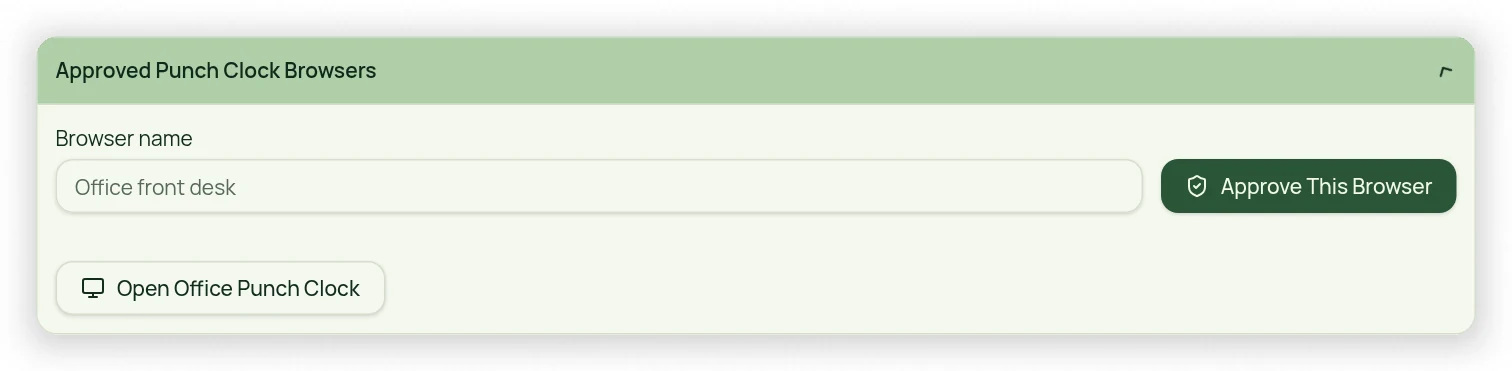
Approve an office browser for the Punch Clock
Allow a shared device without allowing staff to punch from an unapproved home browser.
For owners1 min read
Approval is for a browser
Punch Clock approval is tied to the specific browser on the device, not every browser on that computer. Only the Owner approves or revokes shared office browsers. An Owner-signed-in browser may use the clock directly; an employee login alone does not approve a device.
Approve the office station
- On the intended office device and browser, sign in as the Owner.
- Open Team → Punch Clock and use the browser-approval control.
- Confirm the approval and open the shared office-clock view.
- Sign out of the owner account before leaving the station with staff.
- Check that the approved office clock remains available without exposing owner pages.
Revoke or restore access
Use the Owner’s Punch Clock approval controls to revoke a station that is no longer trusted. Clearing browser cookies, switching browsers or private browsing can remove access and require reapproval. Do not copy browser credentials or share the owner password to get around approval.