Account & troubleshooting
Get support or report a problem
Send useful context while keeping passwords, card data and employee codes private.
For all readers1 min read
Contact StudioLife
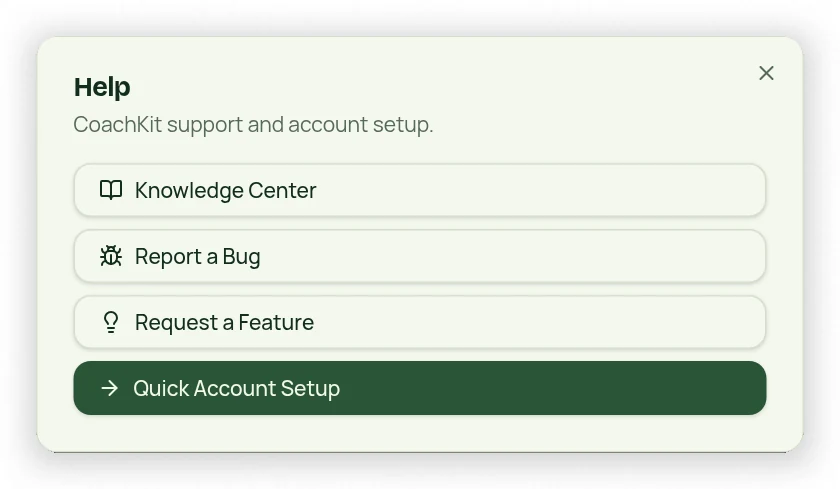
Owners can open Help → Report a Bug or Request a Feature. Public visitors, clients and employees can email info@studiolife.io. Help also provides Quick Account Setup and this Knowledge Center.
Include useful details
- Describe what you expected and what happened.
- Name the screen and relevant date/time, including your time zone.
- Include the steps needed to reproduce the problem.
- Add a screenshot with private information hidden when useful.
- For payments or bookings, include a safe invoice/request reference and recorded status.
Protect sensitive information
Never send passwords, full payment-card details, employee clock codes, private calendar-token links or browser credentials. Report a client seeing owner navigation as an access issue rather than sharing the owner login. If an email is missing, check request status and the relevant inbox/spam folder separately; an in-app notification is not proof of delivered email.