Memberships & packages
Sign up a member and capture their agreement
Select a contact, choose terms and complete the applicable signature or verification.
For owners1 min read
Choose the right contact
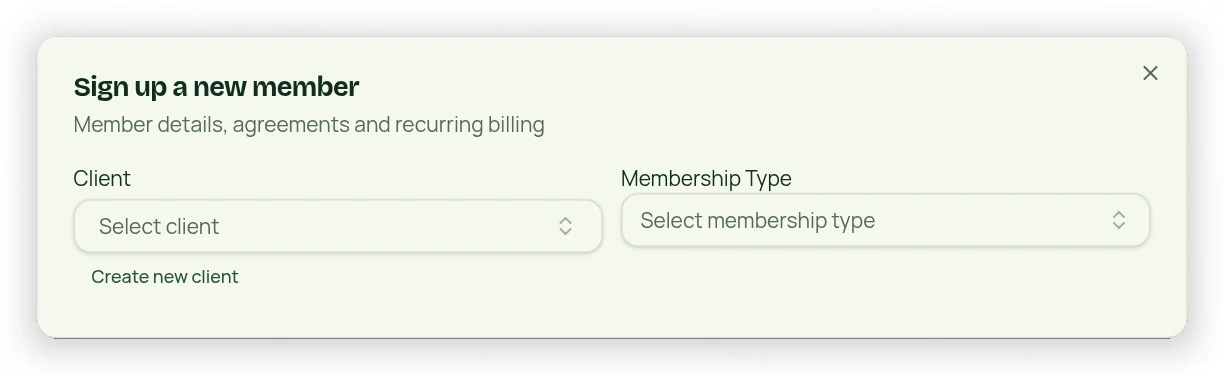
Use Sign Up Member from the Dashboard or the client profile. The client picker includes search inside the dropdown. You can select a lead, existing client or deactivated client, or create a new contact. Review possible phone/email duplicates before creating another record.
Complete the signup
- Choose the contact and Membership Type or Package Type.
- Review allowance, cycle, price, start date and the available charge/start choices.
- For memberships, review the agreement and waiver with the signer.
- Complete the selected typed-name, drawn-signature or email/SMS-code method.
- Review and submit, then confirm the enrollment and payment state in the client profile.
Verification and payment are different
Typed or drawn signing does not require an unrelated code. If a code method is selected, that channel’s verification must complete. SMS requires configured sending capability. Signing alone does not prove a card charge succeeded or grant unpaid session credits; verify the purchase/payment result.