

Calendar & booking
Set up rooms and book the Rooms calendar
Build room windows, requirements and daily schedules without overlapping bookings.
Configure a room
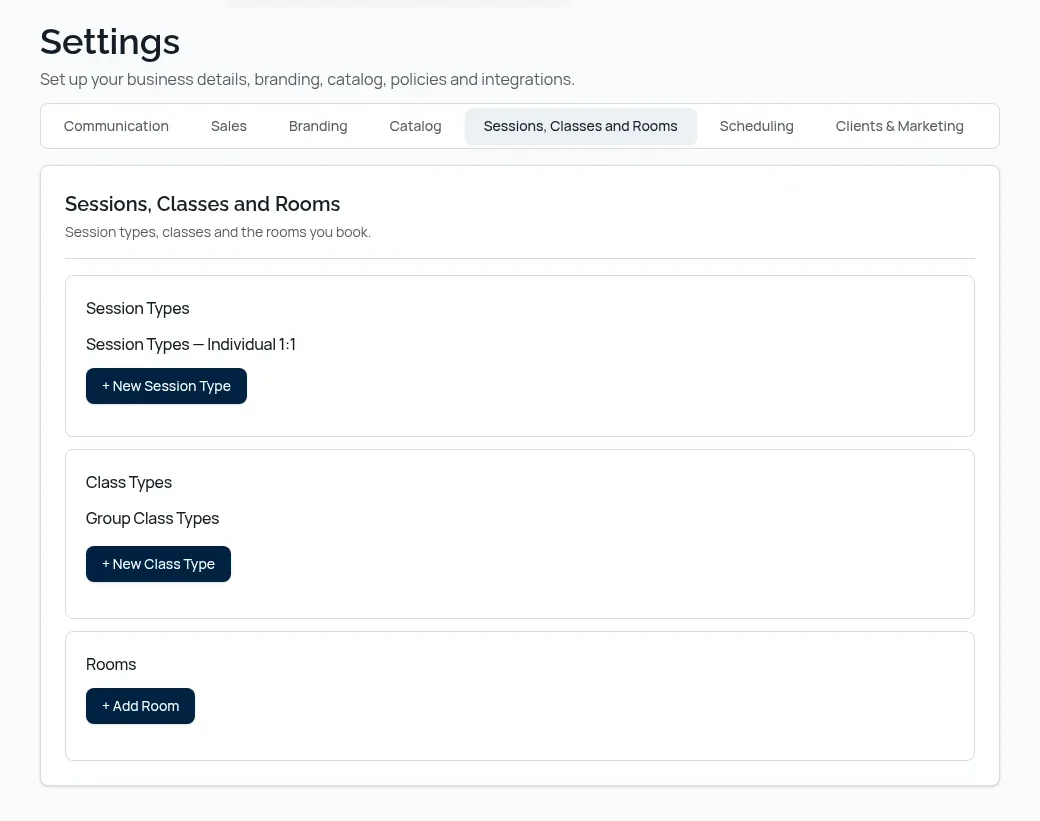
On Studio, open Settings → Sessions, Classes and Rooms → Rooms. Enter the room name, color and capacity. Add timeframes with selected weekdays, hours and open scheduling or session blocks. Booking type and compatible membership/package requirements belong to each timeframe.
Preview your windows
Use Preview week before saving. Custom whole-minute block lengths are supported; incomplete final blocks remain unavailable. Additional unfinished timeframes are omitted from the preview until complete. Group classes assigned to rooms must fit open-scheduling windows.
Book and inspect occupancy
Open Calendar → Rooms and choose Today, Week or Month. Filter rooms and use Add Appointment for the correct room and client. Short sessions fit one full block; longer sessions need enough contiguous blocks and explicit acceptance of the block warning. Acceptance never bypasses room availability.