

Calendar & booking
Build a room layout and enable Pick Your Spot
Let group-class members choose an available bike, mat or numbered place.
For owners1 min read
Create the room layout
Open the room’s Spot Layout. Choose circles or squares, drag spots into position and use grid snapping to arrange the room. Spot count sets room capacity; a lower class-type capacity can restrict it.
Enable it for a class type
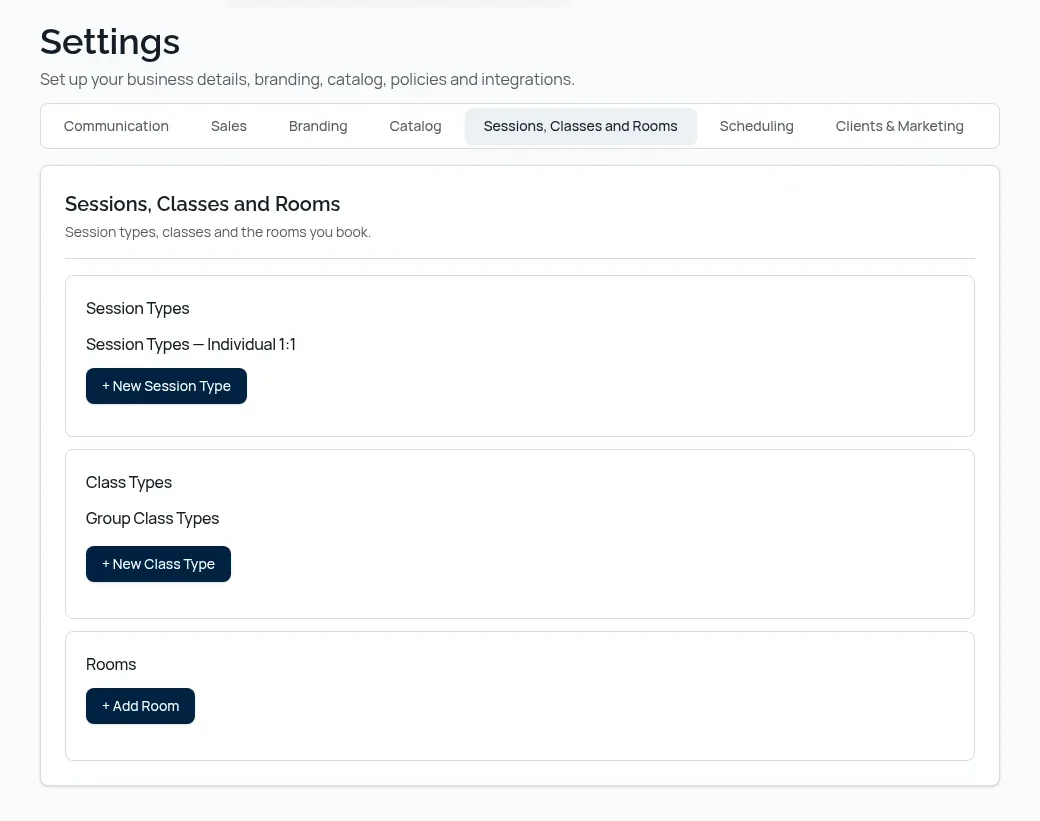
In Settings → Sessions, Classes and Rooms → Class Types, turn on Let clients pick their spot for the appropriate class type. Assign scheduled classes to a room with a saved layout. Rooms without a layout continue to book normally.
Booking comes before the spot
Clients choose a spot after a successful booking. Only open spots can be claimed; simultaneous choices cannot reserve the same spot. This does not bypass class capacity, payment or booking eligibility.