Payments & invoices
Create products and use the point of sale
Build your product catalog and review a multi-item sale.
For owners1 min read
Create a product
- Open Settings → Products and choose the creation button.
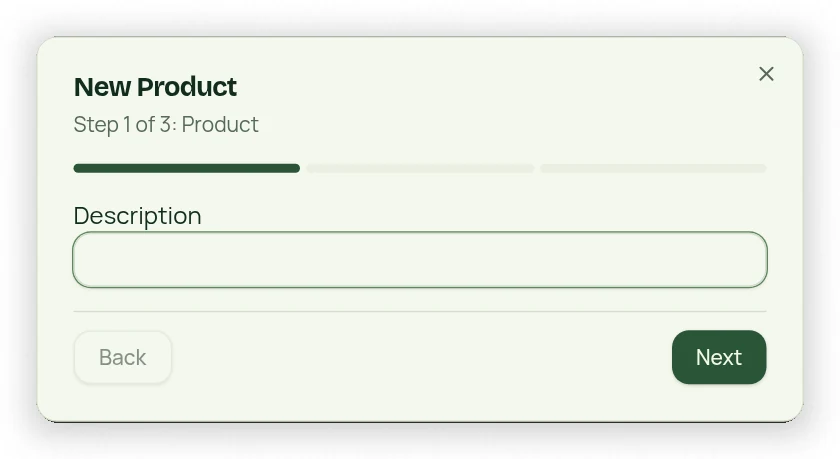
- In the three-step workflow, enter the required description and price.
- Add size, color and style when relevant.
- Review the product details and save.
Build a cart
Open POS from the Dashboard. Search the product tiles and use More for additional items. Select a product, enter quantity, then add another product as needed. Review every line and the sale total before choosing the payment action. Money-field arrows change by $1.00; manually entered cents remain possible.
Confirm the sale
A checkout return or browser cart total does not prove a sale. Check the confirmed payment result and sales history. Product Sales reporting uses saved sale lines and verified payment information, so an unfinished cart should not be counted as collected revenue.