Getting started
Use the Dashboard, tasks and shortcuts
Plan your day, log calls and reach frequent workflows quickly.
For owners1 min read
Your daily workspace
The Dashboard brings together the daily schedule, notifications, tasks, business metrics and payment reminders. First Timers highlights upcoming first visits, while Today’s Tasks shows your assigned follow-ups. Collapsible sections let you keep the page compact without deleting information.
Manage tasks and calls
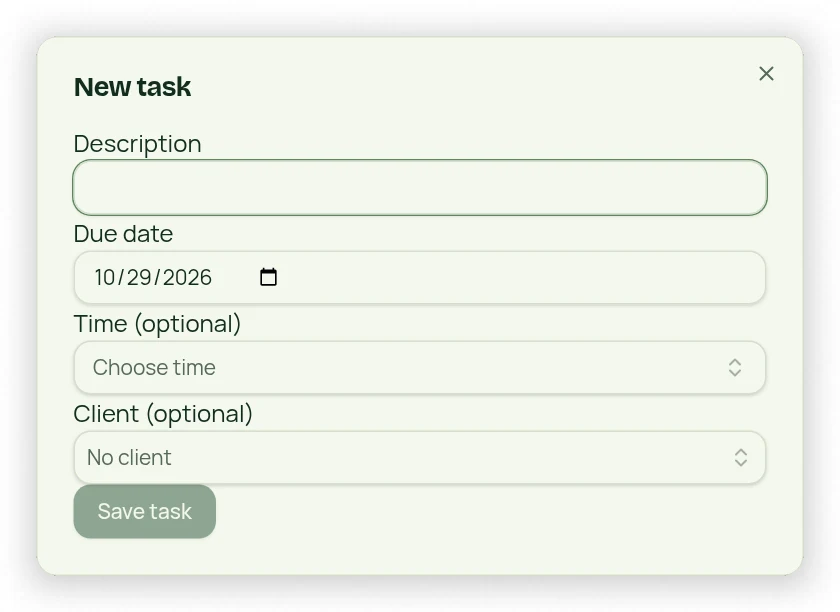
- Open Tasks to create a description, optional client and optional due date/time.
- Expand Today’s Tasks to review individual rows. Due times appear alongside descriptions.
- For a linked contact, use the phone link to open your device’s calling app and Log call to record the conversation.
- Use that row’s Done button to complete the task, including tasks with no client.
Configure shortcuts
The single Shortcuts button can hold up to three choices, grouped into categories such as Settings, Reports and Bookings. Choices use the searchable dropdown. Saved shortcuts are specific to the user and browser; they never grant additional permissions. Add Task and Dashboard are not shortcut choices.