Referrals & marketing
Create and manage Referral Campaigns
Define an offer with dates, disclaimer and reward timing.
For owners1 min read
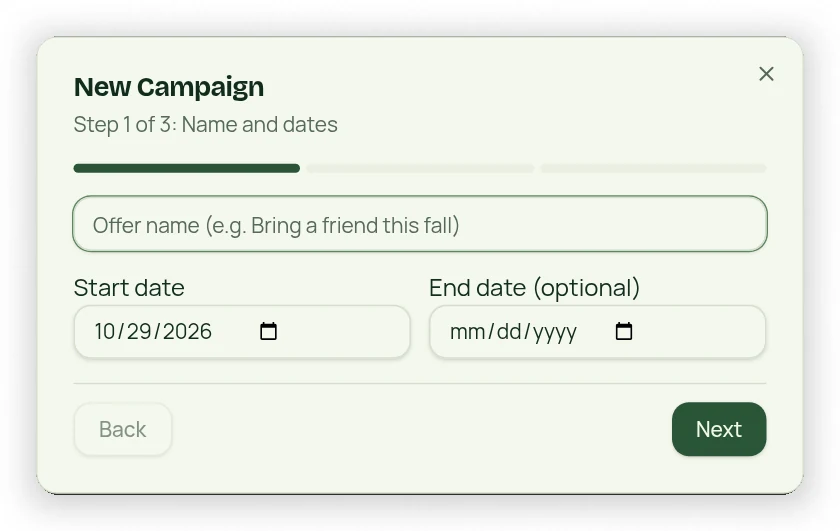
Use the three-step campaign flow
- Open Referral Campaigns and choose New Campaign.
- Enter the offer and required start date; add an end date if needed.
- Choose reward details/timing and review the disclaimer.
- Review the final step and save.
- Use the campaign controls to pause/deactivate or view statistics.
Read the campaign sections
Your Campaigns, Campaign History and Referred Friends are collapsible. Expired/deactivated offers remain in history rather than disappearing. Campaign statistics include the disclosed signup basis and campaign-origin lifetime-value information; unknown historical activation dates are not invented.
Offers have saved terms
The currently applicable active offer is used for new referrals and its terms are saved with the referral. Editing a campaign later must not change an already-submitted referral’s promised terms. Campaign email blasts are not part of this workflow.