

Team & timecards
Review hourly pay, class pay and sales commissions
Use recorded work and first settled sales to prepare payroll.
Set compensation on the right employee
In the authorized Team Roster profile, review Hourly Pay, pay per class and membership/package-specific percentage or flat commissions. The actual selling employee receives eligible sales attribution, not necessarily the client’s assigned salesperson.
Review the report
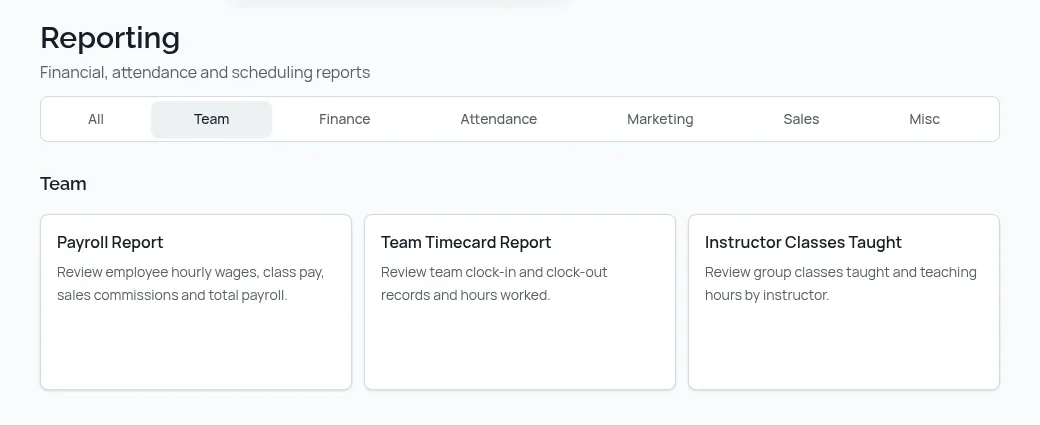
On Studio, open Reporting → Team → Payroll Report. Set date and employee filters, review hours, class pay, commissions and total payroll, and open employee detail where authorized. Commission eligibility uses first settled membership/package receipts, not renewal payments.
Export is not payment
Check open shifts, corrections and refunds before downloading CSV. The report does not send wages, withhold taxes or replace payroll-law review. Franchise Overall Payroll exposes location aggregates, not individual employee pay or names.