Reports & insights
Use leads, sources, calls and lifecycle reports
Track outreach and purchases without mixing lead creation with conversion.
For owners1 min read
Marketing and outreach
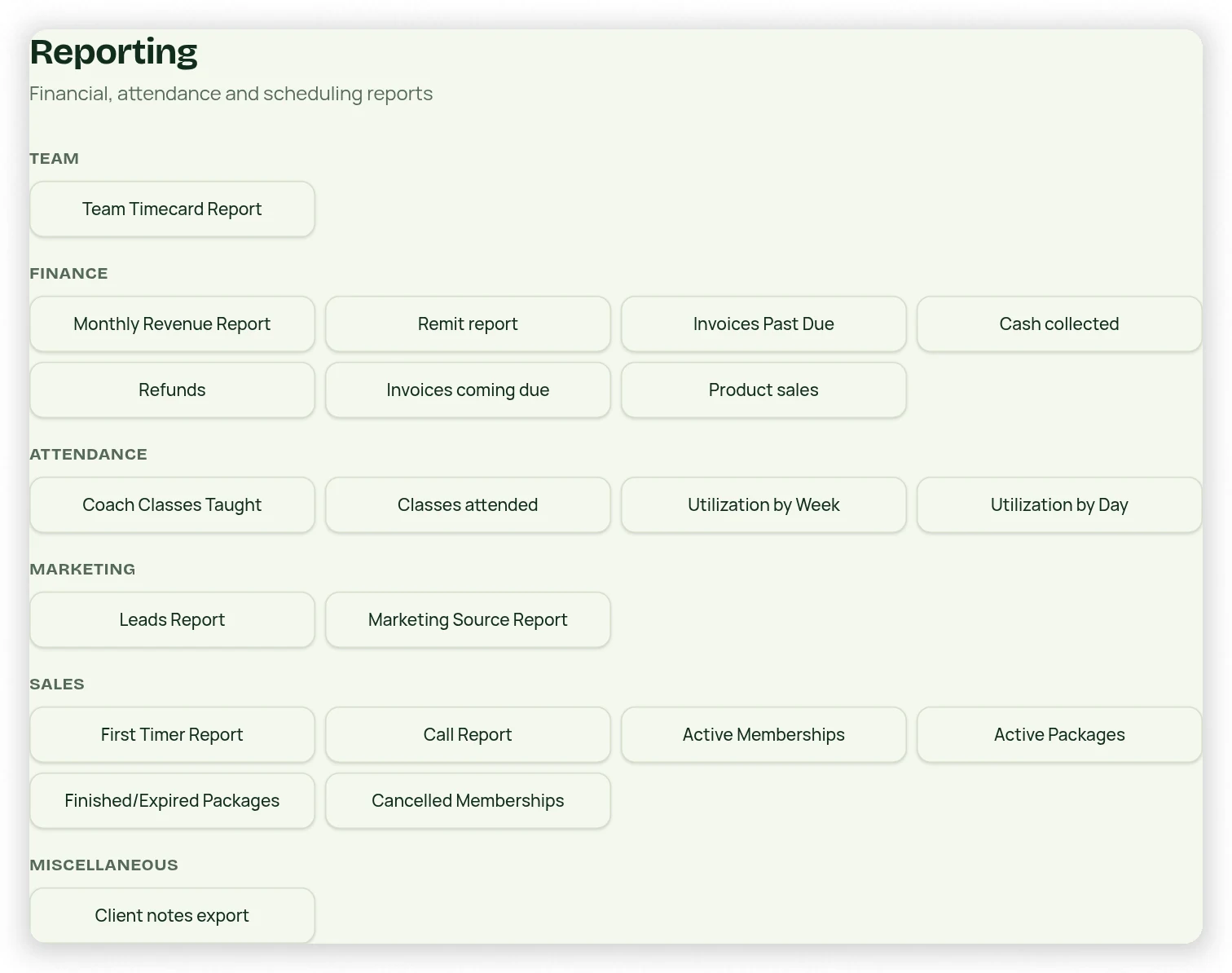
Leads reporting filters by date and shows lead details. Marketing Source groups lead/client counts by the owner-defined source. Call Report counts saved call notes per day; it does not count verified connected phone calls or call minutes.
Membership and package lifecycle
Active Memberships, Active Packages, Finished/Expired Packages and Cancelled Memberships report different states. Dashboard Recurring Memberships counts distinct clients with active paid recurring memberships, not every contact. A cancelled enrollment does not reverse the contact’s first-purchase conversion.
Compare consistently
- Open the specific report and set the range.
- Review client/source/status filters and the displayed definition.
- Inspect the line items before drawing conclusions from totals.
- Use shaded totals only for additive counts or amounts.
- For cancellation reasons, review saved cancellation records rather than inferring reasons from deactivation.