Clients & leads
Add a lead or client and understand conversion
Create a contact without confusing an unpaid lead with a paying customer.
For owners1 min read
Lead versus client
A lead is someone added to your business who has not yet made a qualifying membership, package or paid drop-in purchase. Booking a slot or importing a name alone does not convert a lead. The first qualifying purchase records conversion; later cancellation does not erase the original conversion history.
Create the contact
- Open Leads or Clients and choose the add-contact action.
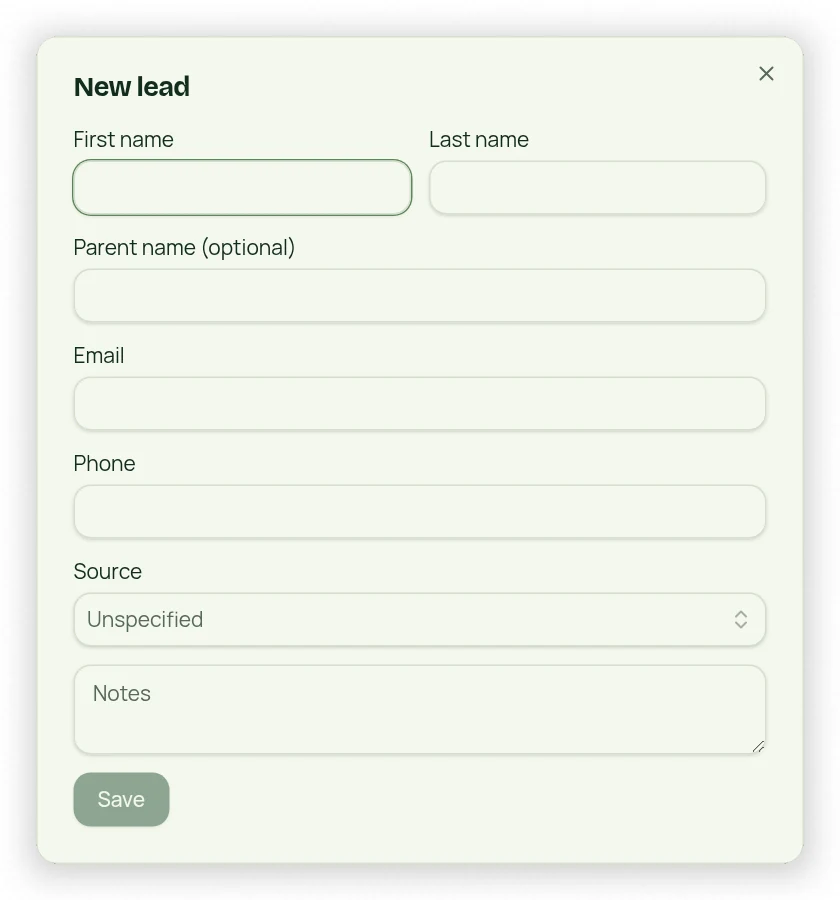
- Enter first and last name, phone, email when available and optional parent details.
- Choose a Marketing Source to track where the person found your business.
- Review potential matches by phone or email before creating a duplicate.
- Save. Leads can be selected in membership signup and class/session workflows.
Keep the right history
A person’s contact record carries notes and purchase history into the client experience. Use the existing record when they purchase instead of creating a second record. For children, enter the serviced client separately from the parent or account holder.